
Last updated on December 27th, 2025 at 10:31 pm

Learning to use inputs and conditionals in Python is essential for all novice Python users. Input helps users store information, while conditionals enable a program to process multiple outcomes.
Continue reading to discover the various conditionals available in Python, along with their effective usage.
If you are new to Python, be sure to check out Introduction to Python and Mastering Python syntax.
What does input() do in Python?
In Python, the built-in input() function is crucial because it enables users to interact with the program. This function pauses the program and waits for the user to enter the necessary information on the console, then press enter. The information entered is then returned as a string.
Here is an example of user input:
name = input("Enter your name:\n")
print("My name is ", name)
In the above code, on line 1, the prompt “Enter your name” will be displayed to the user, instructing them to enter their name. The name entered by the user is stored in the string variable name. Let’s assume the user entered ‘Sam‘.
In line 2, the print statement displays the text “My name is Sam.”
What are conditionals in Python?
In Python, conditionals refer to statements that control the order in which the lines in a program are run based on whether the condition is true or false. They are crucial when it comes to making decisions within a program.
It is a way to cater to multiple outcomes when programming. Let’s use a real-life scenario as an example.
Your parent sent you to the store with $50 to buy a pack of spaghetti. If the cost of the spaghetti is $50 or less, you will buy it. However, if it is more, you will buy something else to cook for dinner.
This is the sort of scenario where we use conditionals in our daily lives.
Types of conditionals in Python
Conditions are formed using comparison operators such as:
- != (not equal to)
- == (equal to)
- >= (greater than or equal to)
- <= (less than or equal to)
- < (less than)
- > (greater than)
Different operators can be combined using logical operators, such as “and,“ “or,“ and “not,” to create more sophisticated conditional expressions.
The code snippets below represent some logical operators and conditionals in use.
The if conditional in Python
The if conditional, also often referred to as an if statement, is well-known and widely used in Python.
age = 15
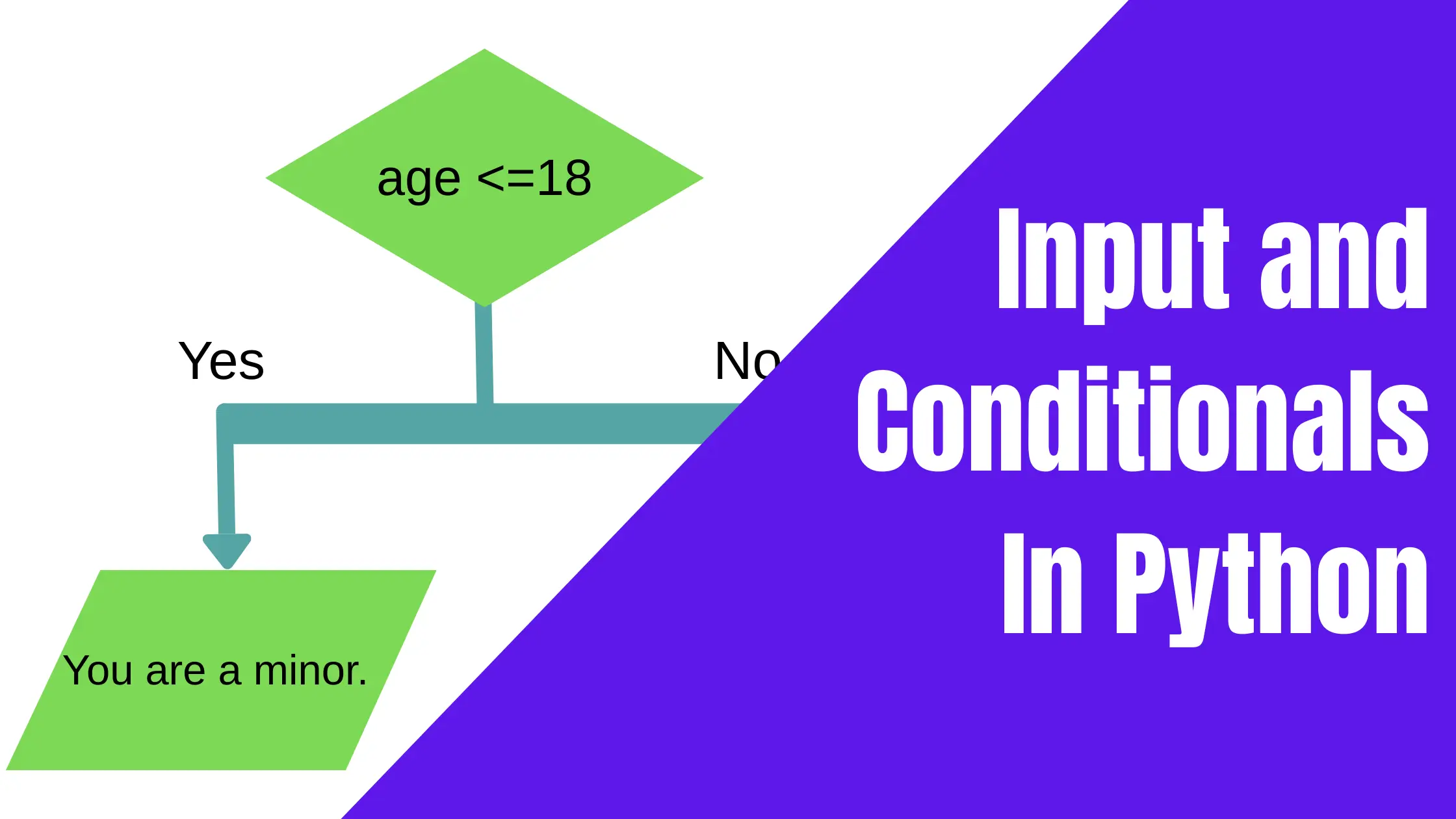
if age <=18:
    print("You are a minor.")
The code above is an if conditional that executes a block of code only if the given condition is true. If the number contained in the variable age (15) is less than or equal to 18, the program will display the statement: ‘You are a minor.‘
If the age were changed to 20, this condition would be false. In that case, the output would be blank.
In the next section, we will examine an if-else conditional.
If-else conditionals in Python
The snippet below contains two conditionals. The first one will be printed if the condition is true, while the second one will be printed if it is false.
age = 23
if age <=18:
        print("You are a minor.")
else:
        print("You are an adult.")
The code above represents the if-else statement. This indicates that if the condition (if age <=18) is false, the second print statement will be executed.
The variable age holds the value 23, and the program will check to see if this value is greater than 18. Since it is not, the statement “You are an adult.” will be printed.
The elif conditional in Python
The elif is a conditional statement that allows us to work with more than 2 outcomes. For instance, let’s consider the way grades are awarded in schools.
If a child scores above 95 in a subject, he will receive an A. On the other hand, if he scores 75 or above but less than 95, he gets a B. For those below 75 to 65, he will receive a C. Anything below 65 is considered an F.
In the example below, the student scored 98. Here is what our program looks like. Take note of how the multiple elif conditionals are used.
score = 98
if score >= 95:
  grade = "A"
elif score >= 75:
  grade = "B"
elif score >= 65:
  grade = "C"
else:
  grade = "F"

print("Your grade is: ", grade)
In the above code, the if and elif were used to decide what the answer would be if the score was a certain number within the range provided, and the else was used to represent any score below the given ranges.
Code indentations in Python
You may have noticed that in the previous codes, where if, elf, and else are used, the lines that come after are indented. Indentations are used in Python to define code blocks associated with elif, if, and else statements.
Basically, the indented portion says that those lines are governed by the if, elif, or else statements that come immediately before. Indentations need to be consistent for correct program execution.
age = 25
resident = "true"
if age >=19 and resident == "true":
  print("You are qualified to vote")
else:
  print("you are not qualified to vote")
Indentations are also used in loops. Learn more about this in lesson 5.
In Lesson 4, we explore operators in Python, with detailed examples. Be sure to check it out to keep learning.
Before You Go
If you have any questions or comments, be sure to leave them in the section provided below. We would love to hear from you.